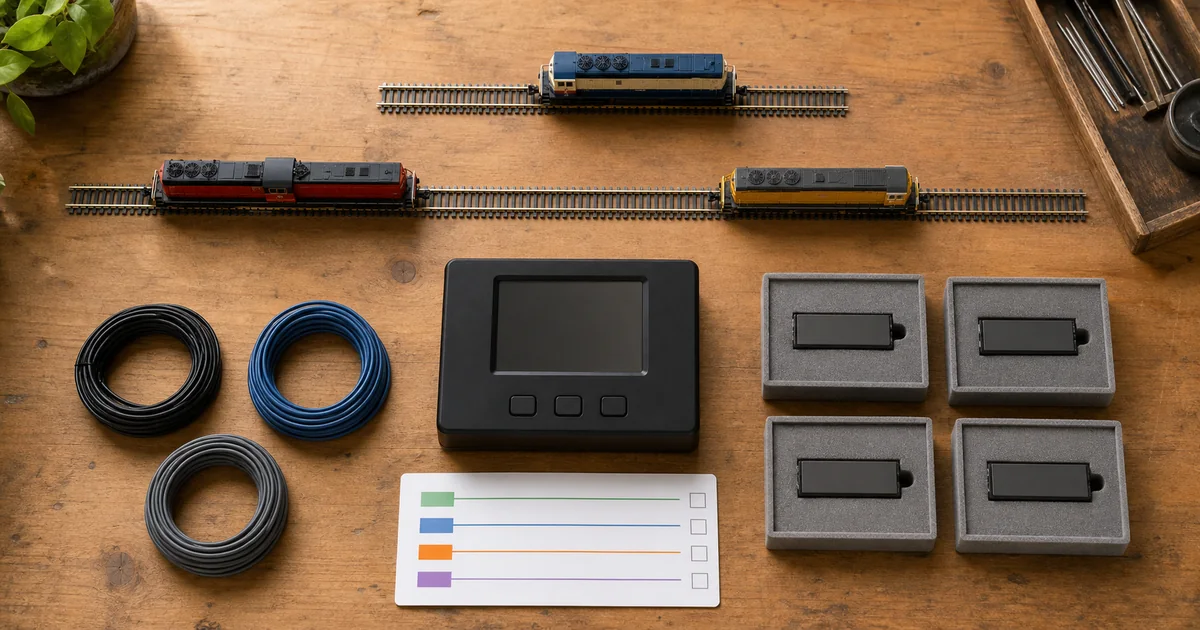
This guide addresses a narrower problem than programming a locomotive address: selecting one of several decoders for a configuration change. Read it alongside the programming-track guide and keep the decoder-reset decision guide for recovery decisions, not as the first step.
Three identities that should not be mixed up
| Record | Question it answers | What it does not prove |
|---|---|---|
| Operational address | Which locomotive address is used for ordinary control? | That only one physical decoder receives a programming operation. |
| Lock identity and key | Which ordinary-CV programming target is selected under this decoder's active lock policy? | That different manufacturers interpret every special value identically. |
| Physical programming exposure | Which devices are actually connected to the programming path? | That an unknown or non-locking decoder will ignore the command. |
The NMRA description compares the CV15 key with the CV16 identity: a match permits a CV update and a mismatch rejects it. It also describes assigning identities before installing multiple decoders in one locomotive. Treat that as the starting model, then check manufacturer exceptions. Source 1.
The zero-key trap: compare the documented policy
| Documentation | Ordinary-CV selection rule | Important boundary |
|---|---|---|
| NCE unlock guidance | Matching CV15 and CV16 unlock; a mismatch locks. | CV15 remains writable. The page describes ordinary read restrictions when locked. |
| TCS support tables | Matching identities 1–6 select a decoder; CV15 = 0 unlocks all and CV15 = 7 locks all. | The document allows changing CV15 and CV16 while locked. Confirm applicability to the actual product. |
| Digitrax KB519 legacy workflow | Matching values select the decoder; CV15 = 0 leaves its nonzero identities locked. | It documents a lock-disable flag and requires an unlocked decoder for the described reset. |
| Digitrax Series 7/8 family guide | Read the active feature state before relying on a selection rule. | CV54 bit 6 is labeled Decoder Lock OFF; the table lists CV54 = 64 as its default. Do not blindly overwrite the entire CV54. |
These are document-specific summaries, not a universal compatibility list. The cited Digitrax KB519 article is older guidance; the Series 7/8 family table is a separate source, not evidence that every earlier decoder shares that default. Sources 2–5.
Tool 1: decoder-lock exposure checker
Enter one CV16 identity for each connected decoder, in the same order as your passport. This deliberately limited tool accepts one to six decoders, identities 1–6 and keys 0–7. Those are tool limits, not universal DCC limits. It predicts ordinary-CV selection only; lock-control changes and reset commands are outside scope.
For example, identities 1, 2 and 3 with key 0 produce no ordinary-CV candidate under the confirmed equality-only policy, but three candidates under the cited TCS policy. Neither outcome proves the state of real hardware. Duplicate identities trigger a hold even if the current key happens to select a different row.
Four gates before a target-only change
1. Complete roster
Count physical decoders, not just locomotive addresses. Include a separate sound or lighting decoder. Hold if a connected device is unknown.
2. Active, compatible policy
Record the exact family rules, special values and enable state. Hold if one device's protection is unsupported, disabled or not verified.
3. Unique target
Check identities against the physical roster. A single number is not a single target when two decoders share that number.
4. Reversible evidence
Save the intended CV baseline and recovery procedure. Define how target and non-target results will be checked before sending the write.
Tool 2: programming passport and exposure record
Copy this table into your roster notes. Record “unknown” rather than filling a missing value with zero. Keep the decoder model and firmware beside the locomotive name so that a later decoder replacement reopens the review.
| Row / physical role | Required evidence | Session record |
|---|---|---|
| 1: intended target | Model, firmware, manual revision, operating address, CV16, active lock policy. | CV15 key, target CV, before value, requested value, supported readback or functional check. |
| 2–6: each non-target | Same identity record; why its ordinary CVs should not change. | Relevant baseline and post-session comparison, or documented reason to remove it from exposure. |
| Programming path | Service mode, operations mode or vendor workflow, with the actual connected devices listed. | How the key reaches the required devices; recovery access if selection fails. |
| Release / reopen | Who checked the session and when; intended final lock state. | Reopen after firmware, decoder, roster, address, lock-enable or programming-method changes. |
A lock roster belongs with your function map and CV29 configuration notes. It does not replace the original decoder manual. If meaningful non-target verification cannot be performed, use a supported separately exposed programming arrangement instead of treating missing evidence as a pass.
When the result is unexpected
| Observation | What to check first | Do not conclude |
|---|---|---|
| Target ignores an ordinary CV write | Actual decoder identity, key delivery, enable state and supported programming method. | That the decoder needs a factory reset. |
| More than one decoder changes | Duplicate IDs, zero-key overrides, disabled locks and omitted devices. | That a shared address guarantees shared lock behavior. |
| CV reads fail while locked | The exact manual's read restrictions and the programming path's ability to get valid responses. | That failed reads prove all non-targets are protected. |
| CV15 or CV16 still changes | Lock-control exceptions, which differ between the cited implementations. | That all CVs are governed by the ordinary-write checker. |
| Locomotive still moves | Normal throttle and stop behavior on a clear test track. | That a programming lock is an emergency stop. |
How to plan a decoder-lock programming session
1. Identify every exposed decoder
List the motor, sound and function decoders that can receive the programming command. Record each exact model, firmware and manual; an unlisted or unidentified decoder is a reason to stop.
2. Establish identities separately
With power removed before changing connections, use each manufacturer's supported setup to work with one decoder at a time. Record its operational address, lock identity and feature-enable state; do not reset it merely to obtain a convenient starting value.
3. Build a policy-matched roster
Check the documented meaning of CV15, CV16 and special values for every decoder. Assign and verify distinct identities within the supported range before relying on shared-address selection. Use physical separation if protection cannot be established.
4. Select and verify the intended scope
Send the documented key through a programming mode that reaches the intended devices. Check the roster and manufacturer-supported evidence of selection; do not treat an absent acknowledgment as proof that every unwanted decoder is protected.
5. Make one reversible ordinary-CV change
Record the target CV and its baseline, then make only the intended change through the supported workflow. Verify the target result and the relevant non-target settings where the hardware and programming method permit; stop on an unexplained response.
6. Record the final state and retest
Restore or retain the documented lock state intended for normal use, record it in the passport and leave programming mode. On a clear test track, check the intended function and normal operation. Preserve the recovery notes for the next programming session.
Railway culture: models as places to rehearse
Model railways have also served as training equipment. In a 2019 account, the National Railway Museum described the Lancashire & Yorkshire Signalling School model as a century-old teaching tool using period signaling instruments. That history offers a useful modeling habit: rehearse a change and examine its consequences before treating the result as accepted. A decoder lock is not a railway signaling interlocking. Source 6.
Sources and verification limits
First-party sources opened and reviewed on 2026-09-03. Manufacturer behavior is limited to the cited documents; confirm the manual for the actual model and firmware. The historical source describes 2019 activities, not a current museum schedule.
- NMRA S-9.2.2 (2012), decoder-lock description, page 4
- NCE: How to unlock a decoder
- TCS: Decoder Lock support and CV15/CV16 tables
- Digitrax KB519: legacy decoder-lock procedure
- Digitrax Series 7/8 family guide, Appendix A3, CV54
- National Railway Museum: Signalling School volunteer account (6 June 2019)
Frequently asked questions
What do CV15 and CV16 do?
In the NMRA decoder-lock scheme, CV16 identifies a decoder for programming selection and CV15 supplies the matching key. They are not the locomotive's short or long operating address.
Does CV15 equal to zero unlock every decoder?
No. TCS documents a zero-key unlock-all behavior, while the cited Digitrax procedure uses zero to leave nonzero identities locked. Confirm the exact decoder family, active feature and manual before using any special value.
Why can a locked decoder still run?
A programming lock is not a motor stop, track-power isolation or emergency-stop command. Treat normal operation and permission to change CVs as separate questions.
What if two decoders have the same CV16 identity?
A matching key can select both under a shared matching policy. This checker flags duplicate identities rather than treating one matching number as one physical decoder.
Does every DCC decoder support locking?
Do not assume that it does. Check the model and firmware documentation and whether the feature is enabled. An unsupported or disabled lock must not be counted as protection.
Why does the checker accept only CV16 identities 1 to 6?
That is this tool's deliberately narrow planning scope for comparing the cited policies. It is not a universal decoder range and it excludes special identity values. Consult the exact manual for other values.
What is special about CV15 equal to seven?
The cited TCS support table defines seven as locking all listed decoders. Other implementations must be checked independently; this tool does not extend that TCS rule to every brand.
Can I still read a decoder while it is locked?
The cited NCE and TCS guidance describes restrictions on ordinary CV reading while locked. A failed read alone is not a reliable protection test because the programming setup may also be unable to obtain a valid response.
Can CV15 or CV16 still change while locked?
Lock-control exceptions differ. NCE and the cited Digitrax procedure retain access to CV15; TCS explicitly documents access to both CV15 and CV16. The checker therefore models ordinary CV selection, not changes to the lock controls themselves.
Should I write a complete CV54 value to enable a Digitrax lock?
Not from a generic recipe. The Series 7/8 guide lists a lock-disable flag inside CV54 alongside other settings. Follow the exact family instructions and preserve unrelated flags.
Will a factory reset always remove a lock?
No universal reset or unlock sequence is safe to assume. The cited Digitrax legacy procedure requires an unlocked decoder before its documented reset can work. Identify the decoder and use its supported recovery process.
Does this checker program or certify my layout?
No. It performs local roster arithmetic using the policy you select. It cannot discover decoders, verify lock activation, send DCC commands or prove electrical isolation.